Posts: 4,938
Threads: 155
Joined: Aug 2014
Reputation:
128
(05-24-2018, 10:13 PM)urbanprotocol Wrote: I second that. There's no option anywhere to go back to any other theme
Do you mean to go to the desktop version while on mobile?
Posts: 4,938
Threads: 155
Joined: Aug 2014
Reputation:
128
(05-26-2018, 07:15 AM)Canard Wrote: How do you get from the mobile site to the desktop one on a mobile device?
I have to do this to upload photos because it doesn’t work on mobile.
There used to be a link at the bottom but it’s gone.
I'll look to add that function back somehow
Posts: 4,938
Threads: 155
Joined: Aug 2014
Reputation:
128
(05-26-2018, 05:21 PM)Canard Wrote: Can’t edit in mobile:
https://youtu.be/46jdh4g5nI4
Anyone else having this issue? I can edit no problem.
What device/OS are you using?
Posts: 4,938
Threads: 155
Joined: Aug 2014
Reputation:
128
(05-24-2018, 08:59 PM)Canard Wrote: Still can’t get YouTube to embed.
Are you trying to embed from the app or the site?
Posts: 4,618
Threads: 16
Joined: Aug 2014
Reputation:
153
(05-27-2018, 06:58 AM)Spokes Wrote: (05-26-2018, 05:21 PM)Canard Wrote: Can’t edit in mobile:
https://youtu.be/46jdh4g5nI4
Anyone else having this issue? I can edit no problem.
What device/OS are you using?
I also get this if I choose 'full edit'. Chrome on Android Oreo.
'Quick edit' works fine.
Posts: 4,938
Threads: 155
Joined: Aug 2014
Reputation:
128
Hmm very weird. I'll check permissions.
I'll be honest, the bulk of my testing was done on desktop, so I'm still working through the kinks with mobile, and more importantly, how to fix them
Posts: 2,163
Threads: 17
Joined: Sep 2014
Reputation:
77
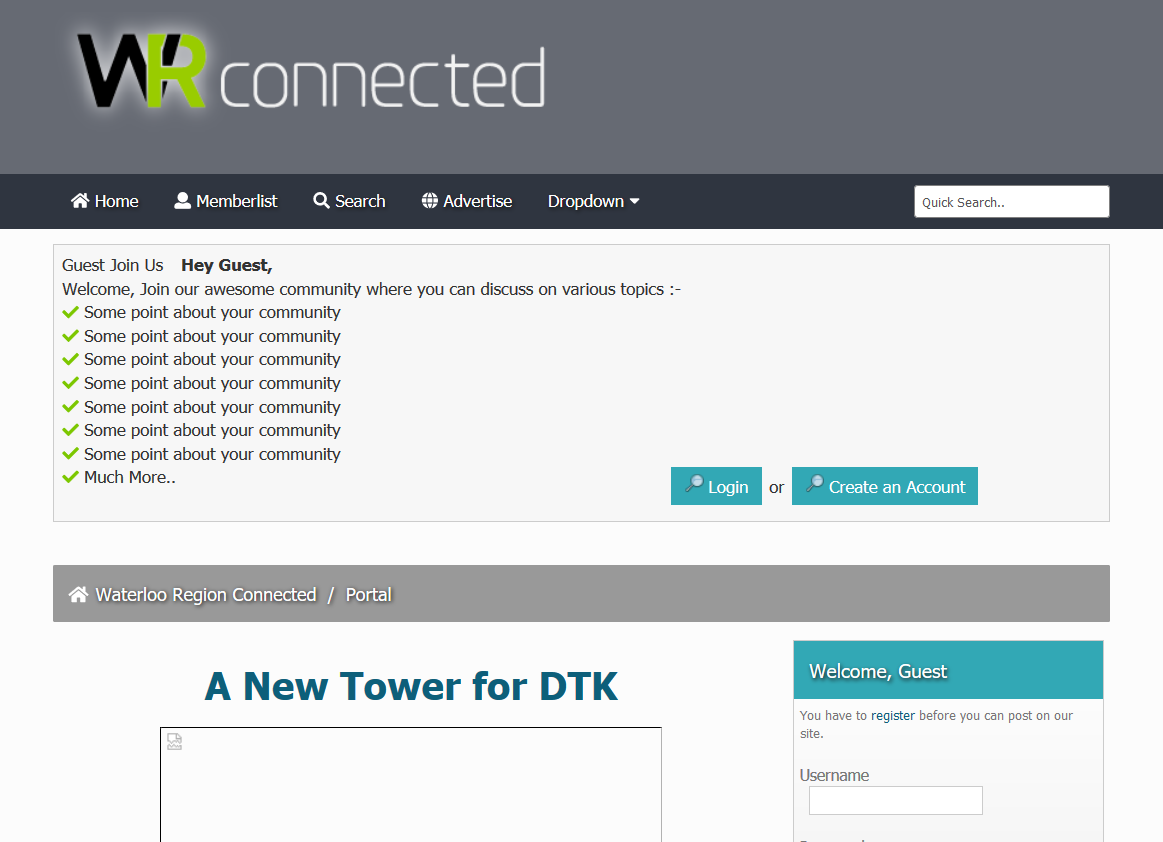
FYI, when not logged in, the front page currently looks like this:
Posts: 4,938
Threads: 155
Joined: Aug 2014
Reputation:
128
Posts: 13
Threads: 0
Joined: Feb 2015
Reputation:
0
Spokes - I mean to use the desktop theme on desktop (and mobile). For me they're both on mobile theme with no way to switch back. Like others said, there used to be a button at the bottom to switch between themes which is now gone. Also, I cannot quote your reply which is why I didn't.
Posts: 1,854
Threads: 3
Joined: Oct 2014
Reputation:
164
(05-27-2018, 08:57 PM)urbanprotocol Wrote: Spokes - I mean to use the desktop theme on desktop (and mobile). For me they're both on mobile theme with no way to switch back. Like others said, there used to be a button at the bottom to switch between themes which is now gone. Also, I cannot quote your reply which is why I didn't.
Ditto for me. I always switch to desk top on my mobile. It has become very cumbersome now.
Thank you in advance for your efforts.
Posts: 103
Threads: 0
Joined: Aug 2016
Reputation:
2
05-28-2018, 08:49 AM
(This post was last modified: 05-28-2018, 08:50 AM by bpoland.)
You should be able to change your them under "Other options" on this page: http://www.waterlooregionconnected.com/u...on=options
When you're using the "MyBB GoMobile" theme (that's the default mobile one) I don't think there's any link to that page unfortunately. But if you go there with the theme enabled it does let you change the settings.
For what it's worth I miss the one click access to the "What's new" link on mobile. As simple as the old mobile theme is, at least it has that at the top of every page. Makes it easy to keep track of all the activity.
Posts: 6,905
Threads: 32
Joined: Oct 2014
Reputation:
224
Sadly it is impossible to change any settings if you are accessing the site from a mobile device - so you get stuck in a Mexican standoff.
Posts: 6,905
Threads: 32
Joined: Oct 2014
Reputation:
224
(05-27-2018, 06:58 AM)Spokes Wrote: (05-26-2018, 05:21 PM)Canard Wrote: Can’t edit in mobile:
https://youtu.be/46jdh4g5nI4
Anyone else having this issue? I can edit no problem.
What device/OS are you using?
iPhone 6/iOS 11.3.1.
As others have mentioned the "Quick Edit" works, but the "Full Edit" does not, on mobile. As my video shows the editing window is massive and way off to the side and it is impossible to place the cursor or scroll/pinch zoom or anything to access it.
Posts: 6,905
Threads: 32
Joined: Oct 2014
Reputation:
224
05-28-2018, 12:17 PM
(This post was last modified: 05-28-2018, 12:20 PM by Canard.)
(05-27-2018, 07:05 AM)Spokes Wrote: (05-24-2018, 08:59 PM)Canard Wrote: Still can’t get YouTube to embed.
Are you trying to embed from the app or the site?
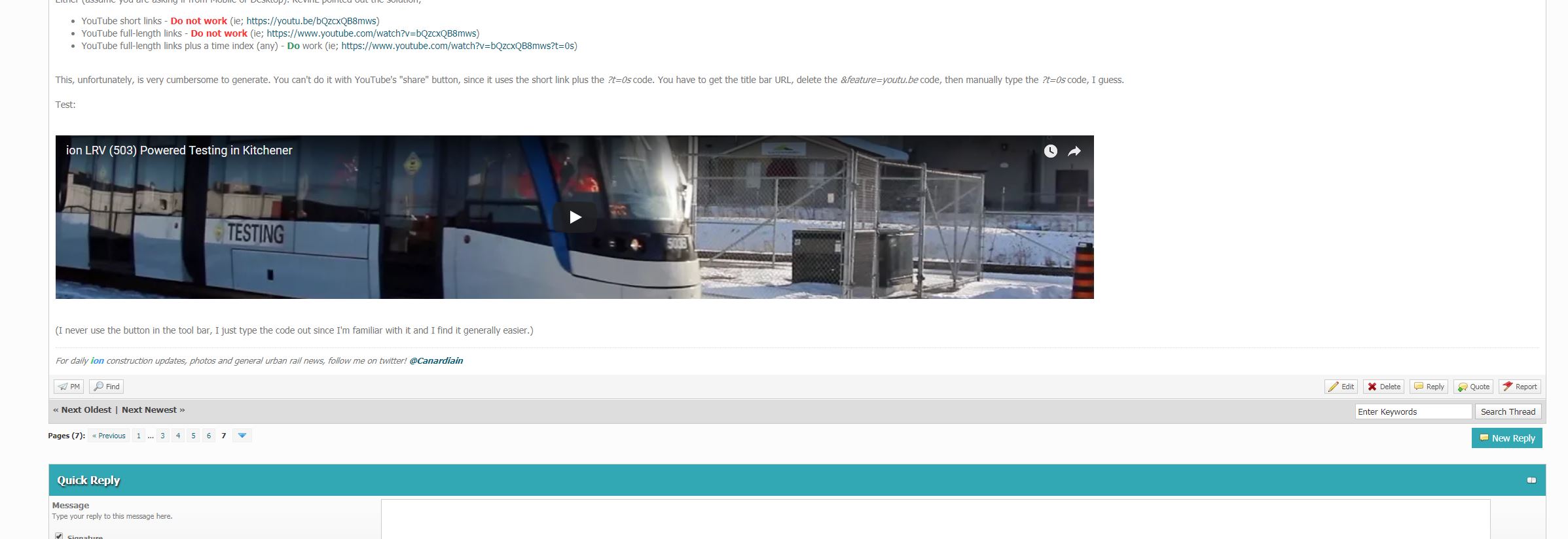
Either (assume you are asking if from Mobile or Desktop). KevinL pointed out the solution;
This, unfortunately, is very cumbersome to generate. You can't do it with YouTube's "share" button, since it uses the short link plus the ?t=0s code. You have to get the title bar URL, delete the &feature=youtu.be code, then manually type the ?t=0s code, I guess. (It is not possible to do this from the YouTube app on a mobile device in any capacity - so it's not possible to shoot a video in the field on a mobile device, upload to YouTube, and share to the forum.)
Test:
(I never use the button in the tool bar, I just type the code out since I'm familiar with it and I find it generally easier.)
Posts: 6,905
Threads: 32
Joined: Oct 2014
Reputation:
224
....well, that's not right either. Harumph.
|



